To add a picture, save it to the computer first, then when you double-click a picture window, choose "upload new image". Any image you've uploaded can then be put in a picture window - but not .bmp! If your picture is in bitmap format (if it says ".bmp" at the end), it won't work. Just open the picture in Microsoft Paint and choose 'Save As', then you can choose to save it as a jpeg instead (.jpg, just underneath where you choose the file name).
Your pictures can be single ones in their own box (using 'picture' in 'basics') like the ones at the bottom of this page, or you can make a gallery ('picture gallery' in 'basics') like the one just under here.
Choose a sensible file name when you save your pictures so you know which one is which when you want to insert one!
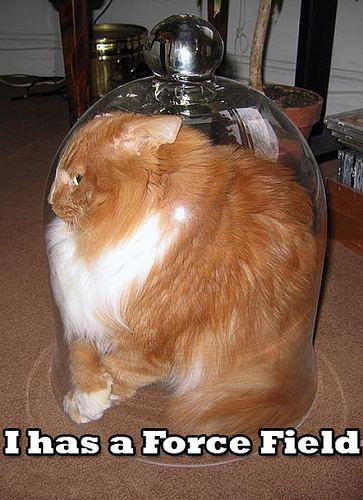
A few 'lolcats' pictures


A penguin ready to unleash some rage

Have any of you played World of Warcraft?

A cat unleashing some rage right now